OFFICIAL STORE RELEASE
Subi for Chrome
Installation and future updates are handled by the Chrome Web Store. Use the button below to open Subi's published listing.
Add to Chrome- Distribution
- Chrome Web Store
- Updates
- Automatic through Chrome
CHROME EXTENSION
Subi is now available on the Chrome Web Store. Chrome handles installation and future extension updates automatically.

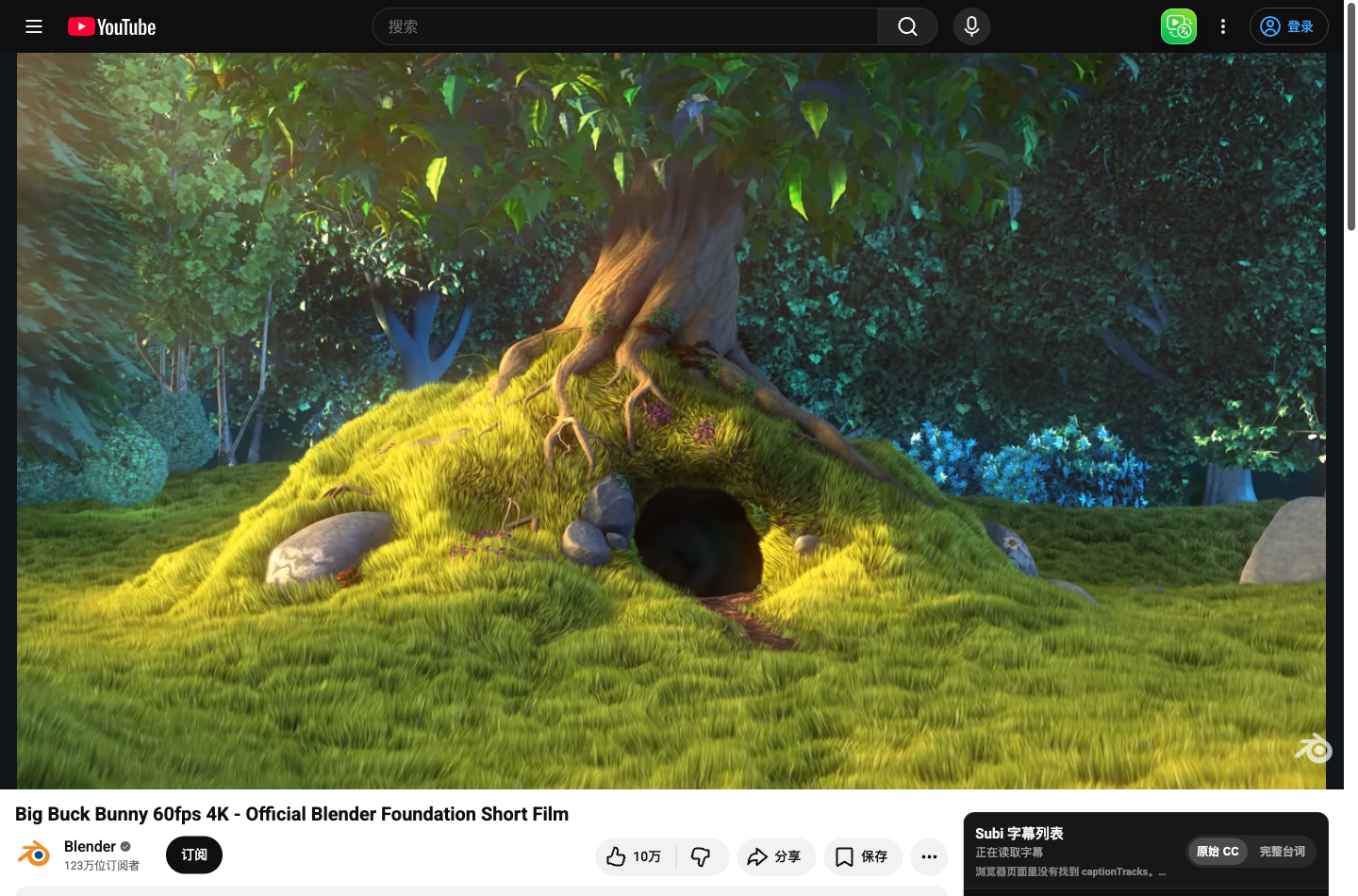 Real product UI
OFFICIAL STORE RELEASE
Installation and future updates are handled by the Chrome Web Store. Use the button below to open Subi's published listing.
Add to ChromeINSTALL IN CHROME
Select “Add to Chrome” to visit Subi on the Chrome Web Store.
Select “Add to Chrome” on the store page, then confirm Chrome's permission prompt.
Open a YouTube video. Refresh the tab once if it was already open during installation.
NEED HELP?
Confirm that the extension is enabled, then refresh any YouTube tab that was already open. If it still does not appear, send the page message and video URL to support.